An academic CV builder with ORCID, BibTeX and RIS import
Import your record instead of retyping it
From your ORCID record
Connect your ORCID iD from directly within your CtrlCV profile. CtrlCV reads the public parts of your record and shows you everything it found for you to review and import.
- Education and employment, including invited positions
- Funding, with amounts where your record has them
- Memberships and service, including peer review (one entry per journal)
- Distinctions, which become honours and awards, and qualifications, which become licenses and certifications
- Your biography, website links, and identifiers such as your Scopus Author ID
Fields you've already filled are never overwritten, and running the import again skips anything already imported. Your publications import from ORCID in a separate step.
From BibTeX and RIS files
Upload a BibTeX (.bib) or RIS (.ris) file, the formats most reference managers export, to bring in your publications. Suspected duplicates of entries you already have are flagged before anything is added.
Everything else
An ORCID record doesn't hold courses taught, students mentored, languages or skills. You add those in CtrlCV's own forms.
One structured profile, 17 sections
Your record lives in one place, organised the way academic CVs are:
- Profile: Personal Info, Education, Employment
- Research & Scholarship: Publications, Presentations, Funding
- Teaching & Supervision: Teaching Experience, Mentorship
- Professional Activities: Service, Professional Development, Professional Memberships, Licenses & Certifications
- Honours & Awards
- Skills & Languages: Languages, Skills
- Additional Information: General Info, References
Star your strongest publications, presentations and funding to build a short CV from just those.
One CV, endless options
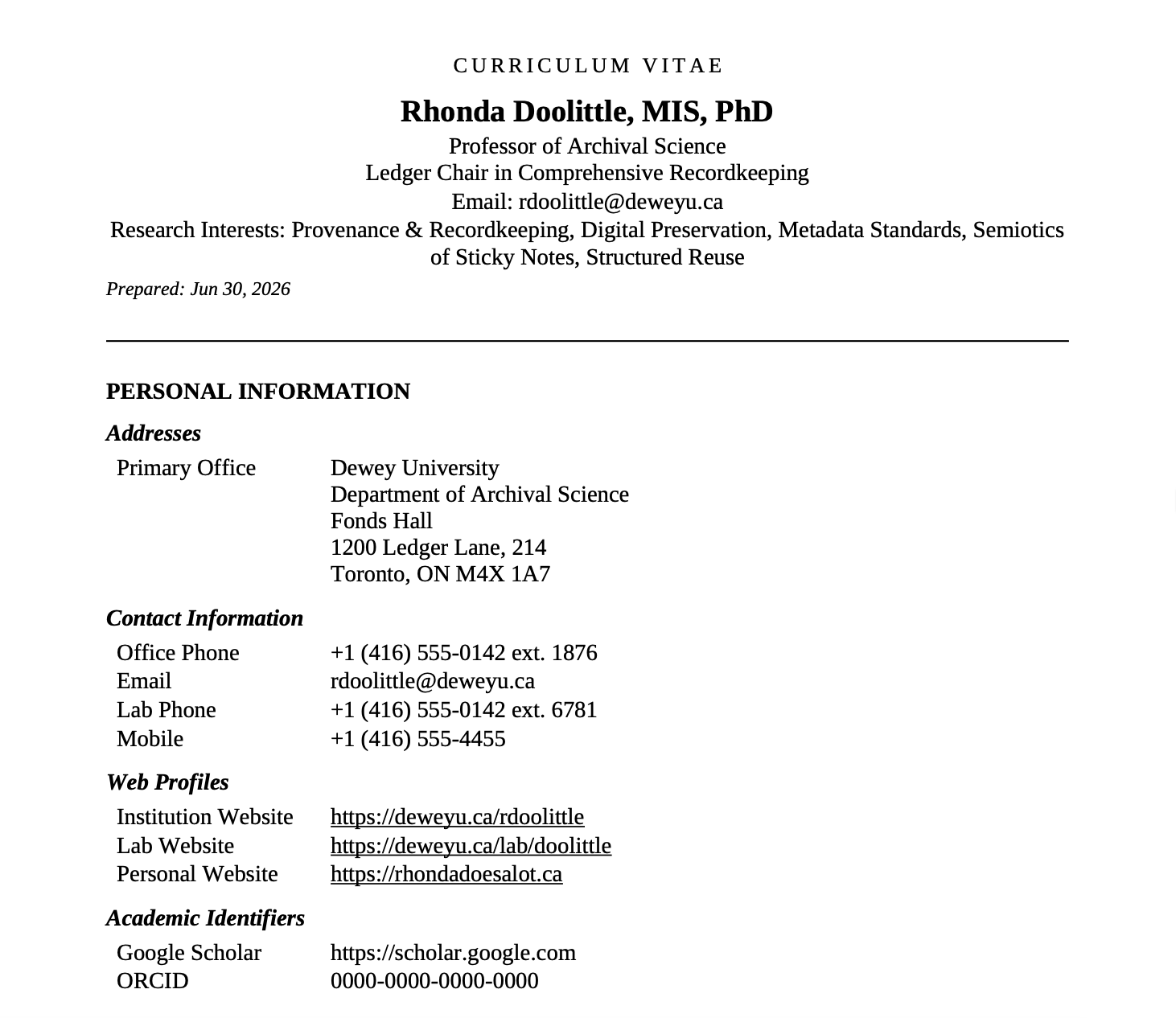
- Start from a full CV, or a Highlight Reel of only your starred work.
- Include, leave out and reorder sections, and leave out individual entries.
- Sort each section, and limit the CV to a date range.
- Format citations in APA or MLA, with your own name in bold.
- Publications are numbered, restarting in each group. Unpublished work shows its status, such as in press or submitted, in place of the year.
- Choose Letter or A4, and add a "Prepared on" date if you want one.
Export to Word or PDF
Download your CV as a Word document (.docx) or a PDF. Your exports are kept in your account's export history, so you can download them again later.
Your account, your record
CtrlCV accounts belong to individual researchers. Sign up with any email address. Your profile isn't tied to a university or employer, so it stays with you when you change institutions. Your account, profile and exported CVs are stored in Canada, and requests to the app are processed in the United States; our Privacy Policy has the details. CtrlCV is free during the beta.
What CtrlCV doesn't do yet
- It doesn't fill in funders' own forms, such as NIH and NSF biosketches in SciENcv or the tri-agency CV. Those are made in the funders' systems, though your CtrlCV profile holds the material they ask for.
- Citations come in APA or MLA.
- You can download every CV you make, but not yet your whole profile as a data file.
- Access is by invitation during the beta.